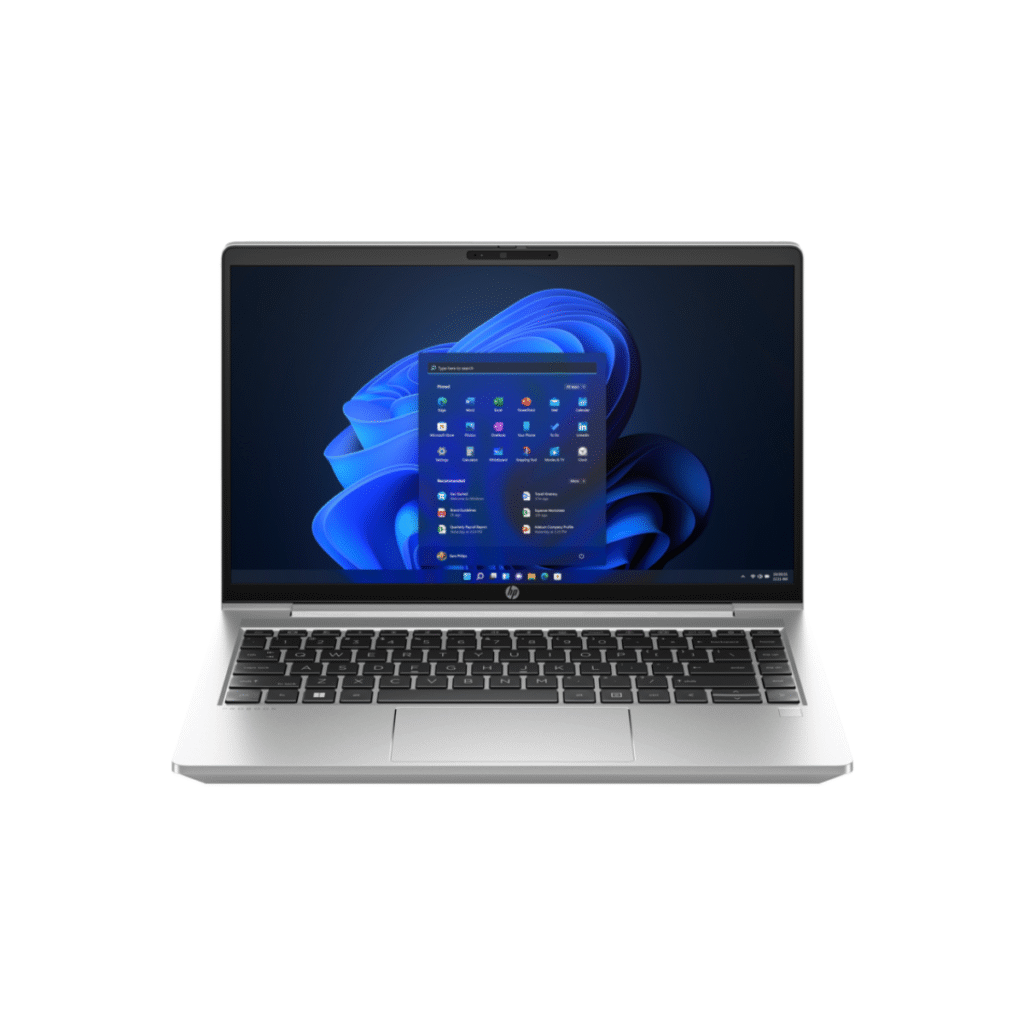

HP ProBook 440 14 inch G10 Notebook PC
HP ProBook 440 14 inch G10 Notebook PC Original price was: ₦1,298,500.Current price is: ₦1,129,000.
Back to products
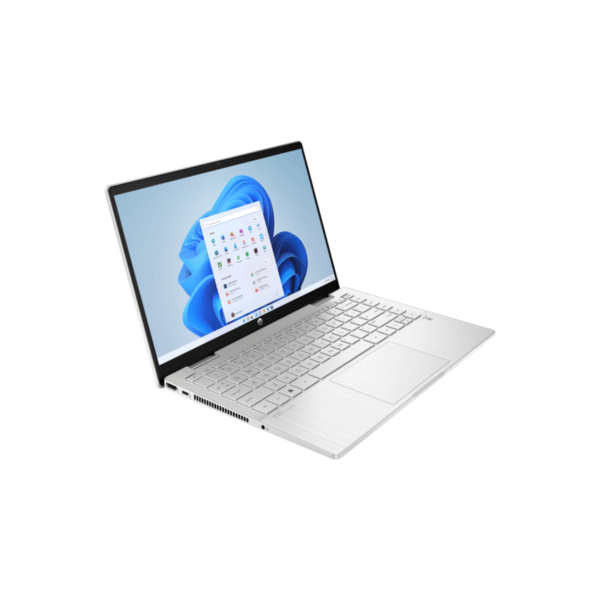
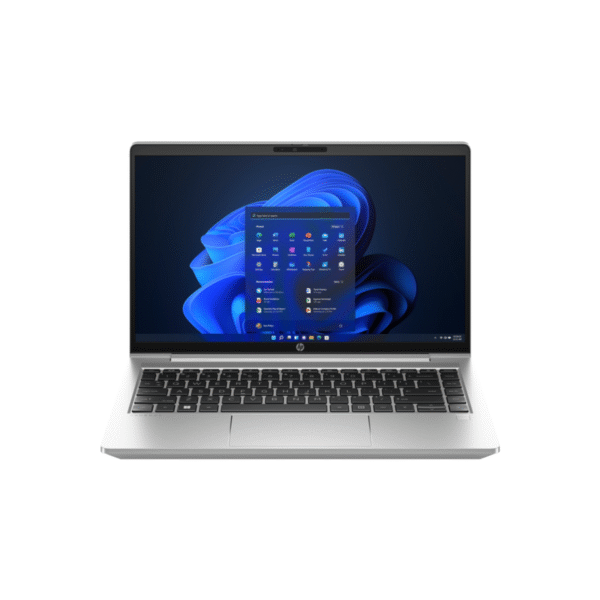
HP Pavilion X360 14-ek0059nia
HP Pavilion X360 14-ek0059nia Original price was: ₦1,681,700.Current price is: ₦1,528,800.

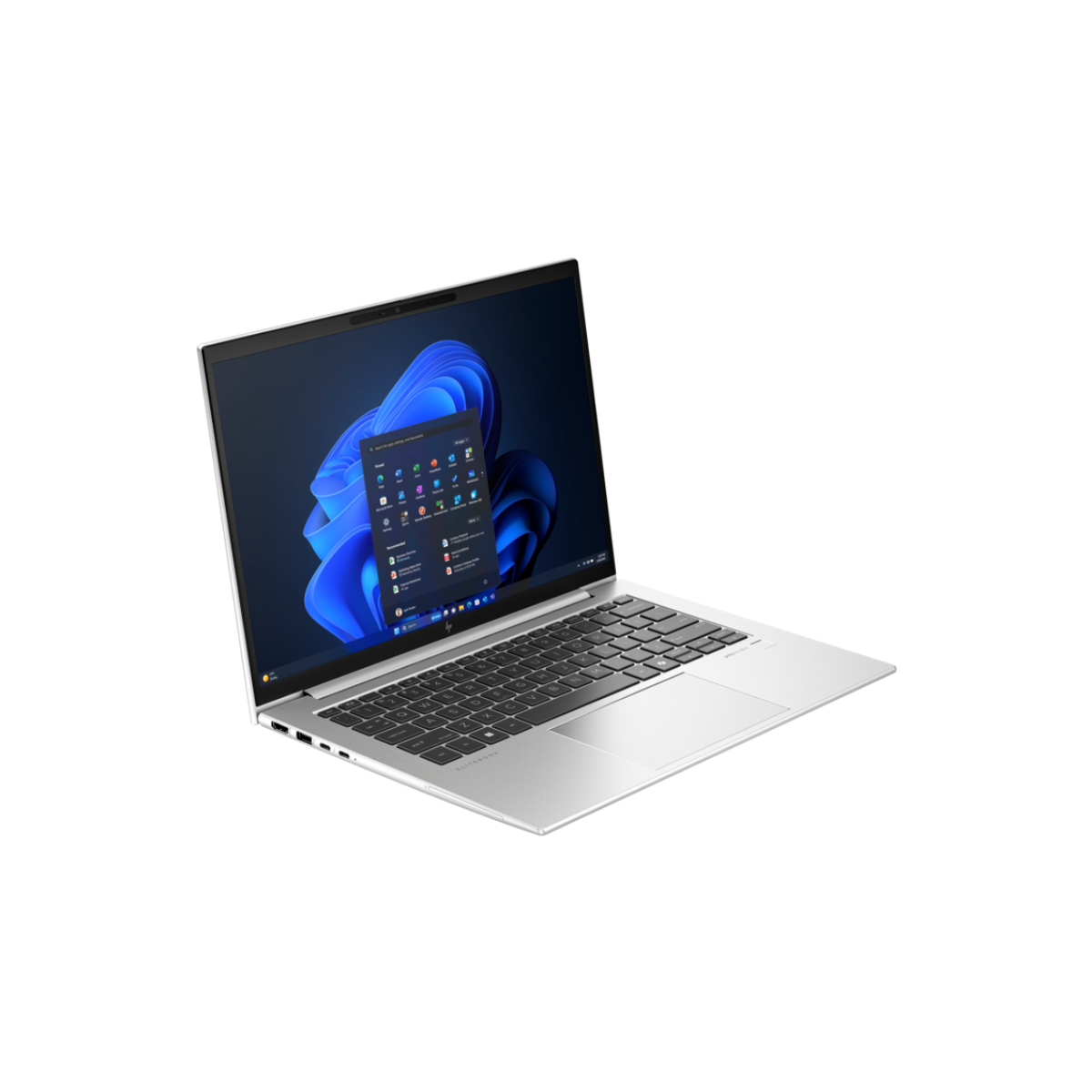
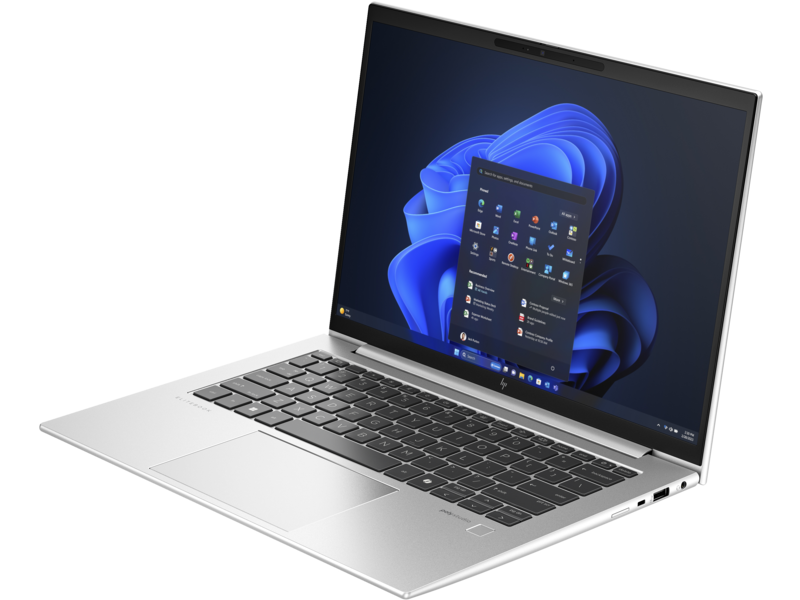
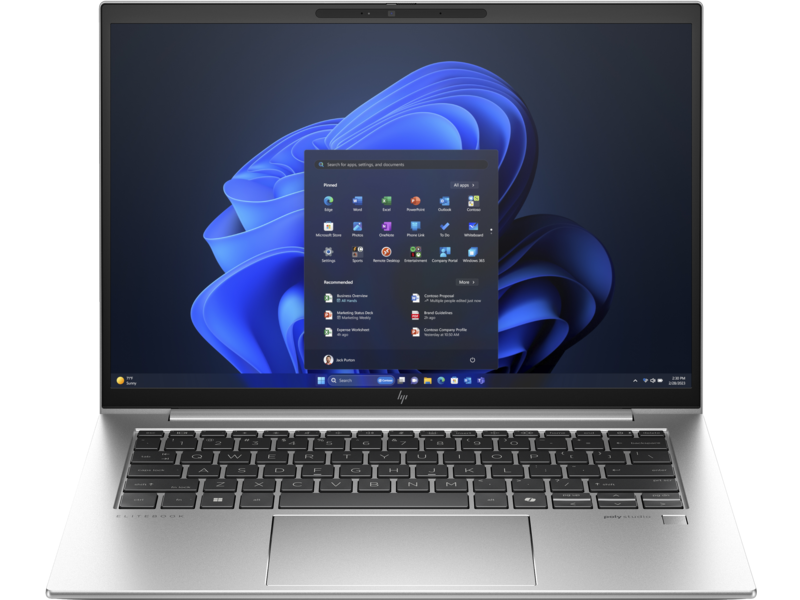
HP ELITEBOOK 830 G10

Bulk Purchase or Wholesale?

Tell us about your order and get amazing discounts Contact Sales

Processor: Intel® Core™ Ultra 7 1345U

Memory: Up to 16 GB DDR5

Storage: 1 TB SSD

Operating System: Windows 11 Pro

Security Features: HP Wolf Security

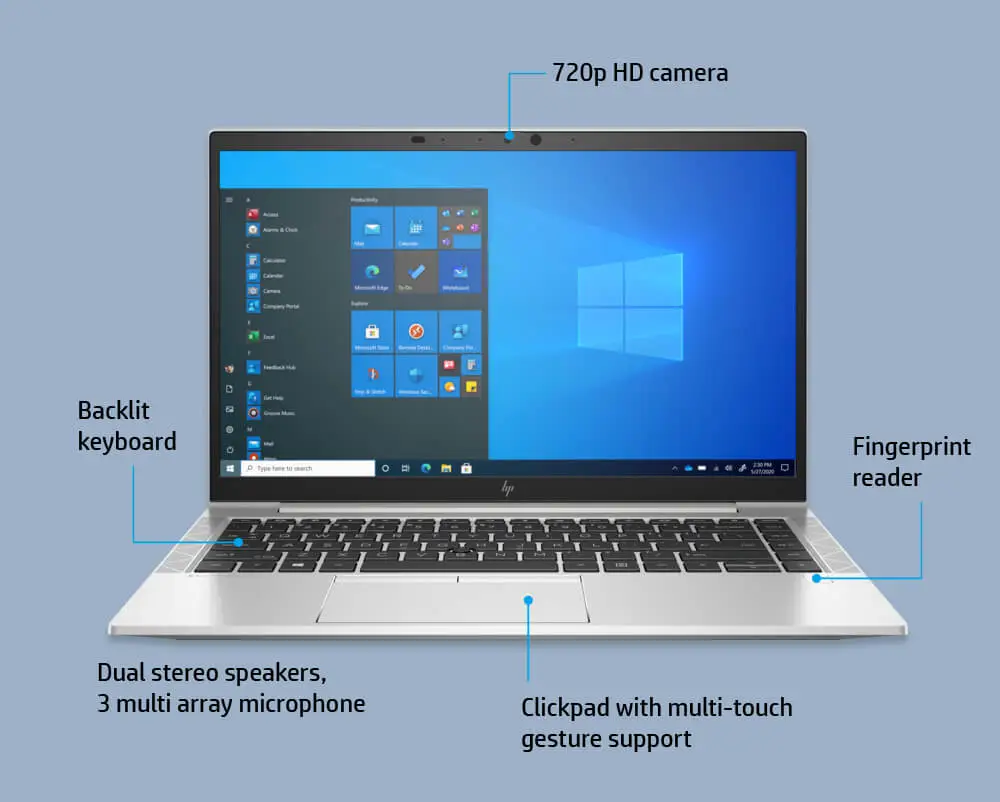
Backlit keyboard

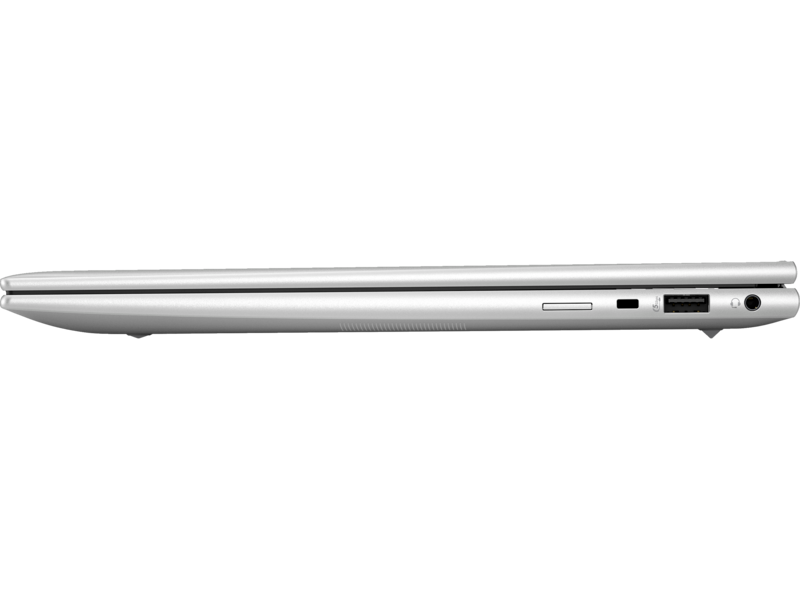
Ports:

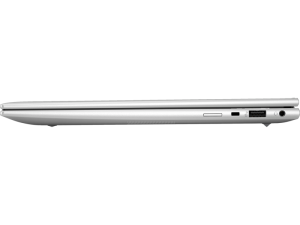
  • 2 Thunderbolt™ 4 USB4 Type-C® 40 Gbps ports (USB Power Delivery and DisplayPort™ 1.4)
  • 2 USB 3.2 Gen 1 Type-A charging ports
  • 1 HDMI 2.0b port
  • 1 headphone/microphone combo jack
  • 1 AC power port
  • 1 Nano SIM slot (optional)


Original price was: ₦2,231,500.Current price is: ₦1,940,400.

Add 1,500,000 to cart and get free delivery within Lagos.
Shipping and Returns

Shipping Information

Delivery Coverage: We deliver to all locations across Nigeria, including Lagos, Abuja, Port Harcourt, Kano, Ibadan, and other major cities.

Processing Time: Orders are processed within 1-2 business days (Monday-Saturday, excluding public holidays).

Delivery Timeline:

  • Lagos & Abuja: 1-3 business days
  • Other major cities: 2-5 business days
  • Remote areas: 3-7 business days

Shipping Costs: Calculated at checkout based on location, weight, and order value. Free shipping available on orders above ₦100,000.

Order Tracking: Track your order status via email updates and SMS notifications.

Return Policy

30-Day Return Window: Items can be returned within 30 days of delivery for a full refund or exchange.

Eligibility Requirements:

  • Product must be unused and in original condition
  • All original packaging, accessories, and documentation must be included
  • Product seals and tags must be intact
  • Proof of purchase (receipt or invoice) required

Non-Returnable Items:

  • Software, downloadable products, or opened software packages
  • Consumables (ink cartridges, toner after opening)
  • Products showing signs of use or damage
  • Clearance or final sale items

Return Process:

  1. Contact customer service at info@itwarehouse.ng or 0803 047 9764
  2. Provide order number and reason for return
  3. Receive return authorization and shipping instructions
  4. Ship item back (customer covers return shipping unless item is defective)
  5. Refund processed within 5-7 business days after inspection

Exchanges: Available for defective items or incorrect orders at no additional cost.

Warranty Policy

Warranty Policy

Warranty Period: All products sold by ITWarehouse come with a 30-day warranty from date of delivery.

What's Covered:

  • Manufacturing defects and workmanship issues
  • Component failures under normal use conditions
  • Software malfunctions (for items with pre-installed software)
  • Hardware performance issues not caused by user damage

What's NOT Covered:

  • Physical damage from drops, spills, or accidents
  • Unauthorized modifications or repairs
  • Damage from misuse, neglect, or improper installation
  • Normal wear and tear (scratches, cosmetic issues)
  • Damage from power surges (unless surge protection was included)
  • Loss or theft of product

Extended Manufacturer Warranty

Many products include additional manufacturer warranties (6 months to 2 years). Original manufacturer warranty cards and documentation are provided with qualifying products.

Warranty Claim Process

  1. Contact Us: Email info@itwarehouse.ng with order number and issue description
  2. Provide Details: Include photos/videos of the defect and proof of purchase
  3. Diagnosis: Our technical team will assess the issue
  4. Resolution: Repair, replacement, or refund (determined case-by-case)
  5. Turnaround: Most warranty claims resolved within 7-14 business days

Important: Warranty does not cover shipping costs for returns unless the defect occurred during initial delivery.

Product Care

Product Care & Maintenance

General Electronics Care

Storage & Environment:

  • Keep devices in cool, dry places (away from direct sunlight and moisture)
  • Avoid extreme temperatures (below 0°C or above 35°C)
  • Store in dust-free environments when possible
  • Use protective cases or covers for portable devices

Power Management:

  • Use genuine chargers and power adapters
  • Unplug devices during thunderstorms or power surges
  • Avoid overcharging batteries (disconnect when fully charged)
  • Use surge protectors for valuable equipment

Cleaning Guidelines:

  • Power off devices before cleaning
  • Use soft, lint-free microfiber cloths
  • For screens: Use screen-specific cleaning solutions (no harsh chemicals)
  • For keyboards: Use compressed air to remove debris
  • Never spray liquids directly onto devices

Specific Product Care

Laptops & Computers:

  • Clean air vents regularly to prevent overheating
  • Avoid eating or drinking near devices
  • Update software and drivers regularly
  • Perform regular backups of important data
  • Shut down properly (avoid forced shutdowns)

Smartphones & Tablets:

  • Use screen protectors and protective cases
  • Avoid exposing to liquids
  • Keep charging ports clean and debris-free
  • Update operating system when prompted
  • Manage storage space (keep at least 15% free)

Printers:

  • Use recommended paper types and weights
  • Clean print heads monthly
  • Keep printer firmware updated
  • Store in dust-free environment
  • Use genuine or compatible ink/toner cartridges

Networking Equipment (Routers, Switches):

  • Ensure proper ventilation (don't stack devices)
  • Place in central location for optimal coverage
  • Reboot monthly to clear cache
  • Update firmware for security and performance
  • Keep away from water sources

Gaming Consoles:

  • Ensure adequate ventilation during use
  • Clean disc drives regularly
  • Keep software/firmware updated
  • Avoid moving while discs are running
  • Store games in cases when not in use

Audio Devices (Speakers, Headphones):

  • Avoid maximum volume for extended periods
  • Store headphones properly (avoid tangling cables)
  • Keep away from moisture
  • Clean ear pads regularly with mild solution
  • Disconnect when not in use to conserve battery

Battery Care (All Devices)

  • Avoid complete battery drain (charge between 20-80% for longevity)
  • Remove from charger when fully charged
  • Use device regularly if storing long-term (charge every 3 months)
  • Keep batteries at room temperature
  • Replace swollen or damaged batteries immediately

Data Protection

  • Back up important files regularly (cloud or external drive)
  • Install reputable antivirus software
  • Enable automatic updates for security patches
  • Use strong passwords and enable two-factor authentication
  • Encrypt sensitive data

Product Details

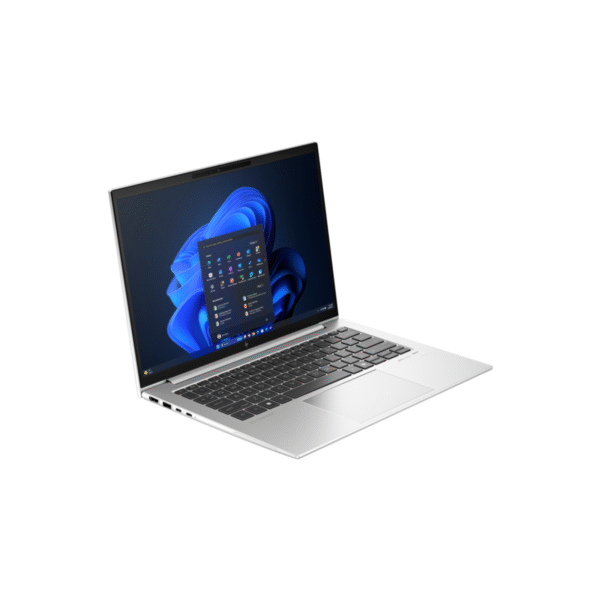
HP EliteBook 830 G10

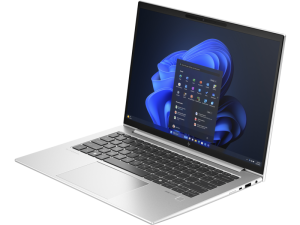
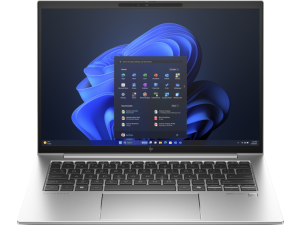
The HP EliteBook 830 G10 is a 2-in-1 premium business device designed for professionals seeking a seamless combination of performance, portability, and security. This laptop stands out as an excellent choice for business users who demand efficiency and reliability in their daily operations. Let’s explore its features in detail.

Key Features of HP EliteBook 830 G10

Performance Built For Excellence:

First and foremost, the device is powered by advanced Intel® Core™ Ultra processors, offering multiple configurations to meet diverse performance needs. Whether you opt for the Intel® Core™ Ultra 7 1345 model, the laptop ensures a smooth and powerful computing experience. Moreover, with 16 GB of DDR5 RAM, multitasking becomes effortless, allowing you to run demanding applications and handle complex workflows simultaneously. The device features storage options of up to 1 TB SSD

Immersive Visual Experience

The 13.3-inch FHD display delivers crisp, clear visuals, ensuring an exceptional viewing experience for work and entertainment alike. Its compact size makes it highly portable, yet it does not compromise on screen quality, which is ideal for presentations, video conferencing, and everyday tasks.

Connectivity Without Compromise

To ensure seamless connectivity, the device includes a comprehensive range of ports. With two Thunderbolt™ 4 USB-C ports, two USB 3.2 Type-A charging ports, an HDMI 2.0b output, and a headphone/microphone combo jack, you can connect peripherals and external displays effortlessly. Additionally, optional Nano SIM support enhances your connectivity by enabling cellular data when Wi-Fi is unavailable.

Furthermore, the laptop supports Intel® Wi-Fi 6E and Bluetooth® 5.3, ensuring faster, more reliable wireless communication, making it perfect for on-the-go professionals.

Enhanced Security Features

Recognizing the importance of security, the HP EliteBook 830 G10 is equipped with HP Wolf Security. This advanced protection suite safeguards your system from malware, phishing, and other cyber threats, providing peace of mind whether you’re working from the office or remotely.

A Design for Modern Professionals

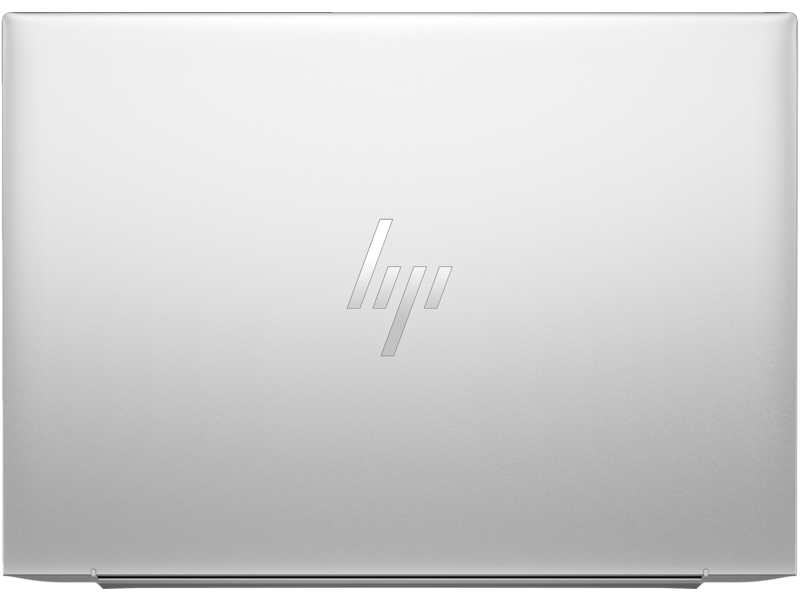
The device features a sleek, lightweight design that’s easy to carry while maintaining a durable build for long-term use. Its ergonomic keyboard and large precision touchpad ensure comfortable usage, even during extended periods.

Ready for the Future

Lastly, this notebook comes with Windows 11 Pro, providing an intuitive interface and productivity tools that keep you ahead in your work. The operating system complements the hardware perfectly, ensuring compatibility with the latest software applications and security updates.

Conclusion on the HP Elitebook 830 G10

In summary, the HP EliteBook 830 G10 is a versatile and reliable companion for professionals. Its powerful performance, exceptional connectivity, robust security features, and stylish design make it a standout choice for those who prioritize efficiency and innovation. Whether you’re in the office or on the move, this laptop has everything you need to stay productive and connected.

Customer Reviews

Customer Reviews